
Download RTS Creator – RTS game, real-time strategy, game development tool, create RTS games, no coding, standalone games, game maker, game engine, game creation software
Overview
RTS Creator is a game development tool designed to enable users to create and publish standalone Real-Time Strategy (RTS) games without requiring any prior programming experience. The application targets aspiring game developers, hobbyists, and educators who wish to explore game creation in a structured yet accessible environment. By offering a user-friendly interface and built-in tools for designing gameplay mechanics, users can prototype and launch their own RTS titles with minimal technical barriers.
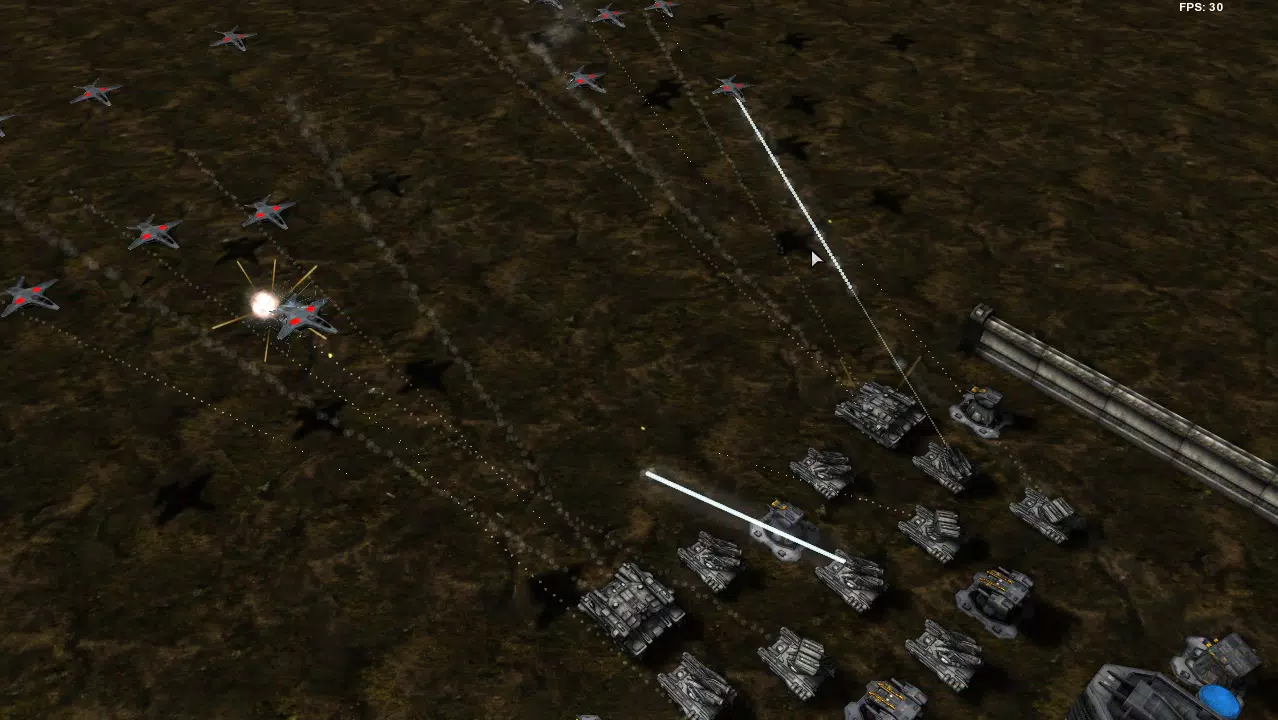
RTS Creator supports multiple game styles, including classic RTS, adventure, tower defense, and space-themed scenarios, allowing creators to experiment across genres while maintaining core strategic gameplay elements. This versatility makes it suitable for both beginners testing their ideas and educators introducing game design concepts in classroom settings. The ability to generate standalone executable files means that developed games can be distributed directly to players without dependency on external platforms or runtime environments.
Although the software was released in December 2014, it remains a niche tool within the game creation ecosystem. Its longevity suggests a dedicated user base, particularly among those who value simplicity and direct control over game output. However, the developer did not provide additional technical details regarding system requirements, updates, or long-term support. As such, users should approach the tool with awareness of its age and potential compatibility challenges on modern systems.
Key Features & Functionality
- User-Friendly Interface: Designed for users with no programming knowledge, RTS Creator features an intuitive layout that simplifies the game development process. The interface allows beginners to navigate core tools without needing to learn complex code or scripting languages.
- Customizable Game Types: The software supports various game genres such as classic RTS, adventure, tower defense, and space-themed gameplay. This flexibility enables creators to tailor their projects to specific themes or player experiences.
- Standalone Game Publishing: Users can generate executable files that run independently on Windows systems. This feature allows for direct sharing of games via USB drives, email, or direct downloads, eliminating the need for third-party publishing platforms.
- Diverse Asset Support: RTS Creator accepts a wide range of media formats, including images, 3D models, sound effects, and music files. This compatibility ensures that developers can integrate custom assets without format conversion issues.
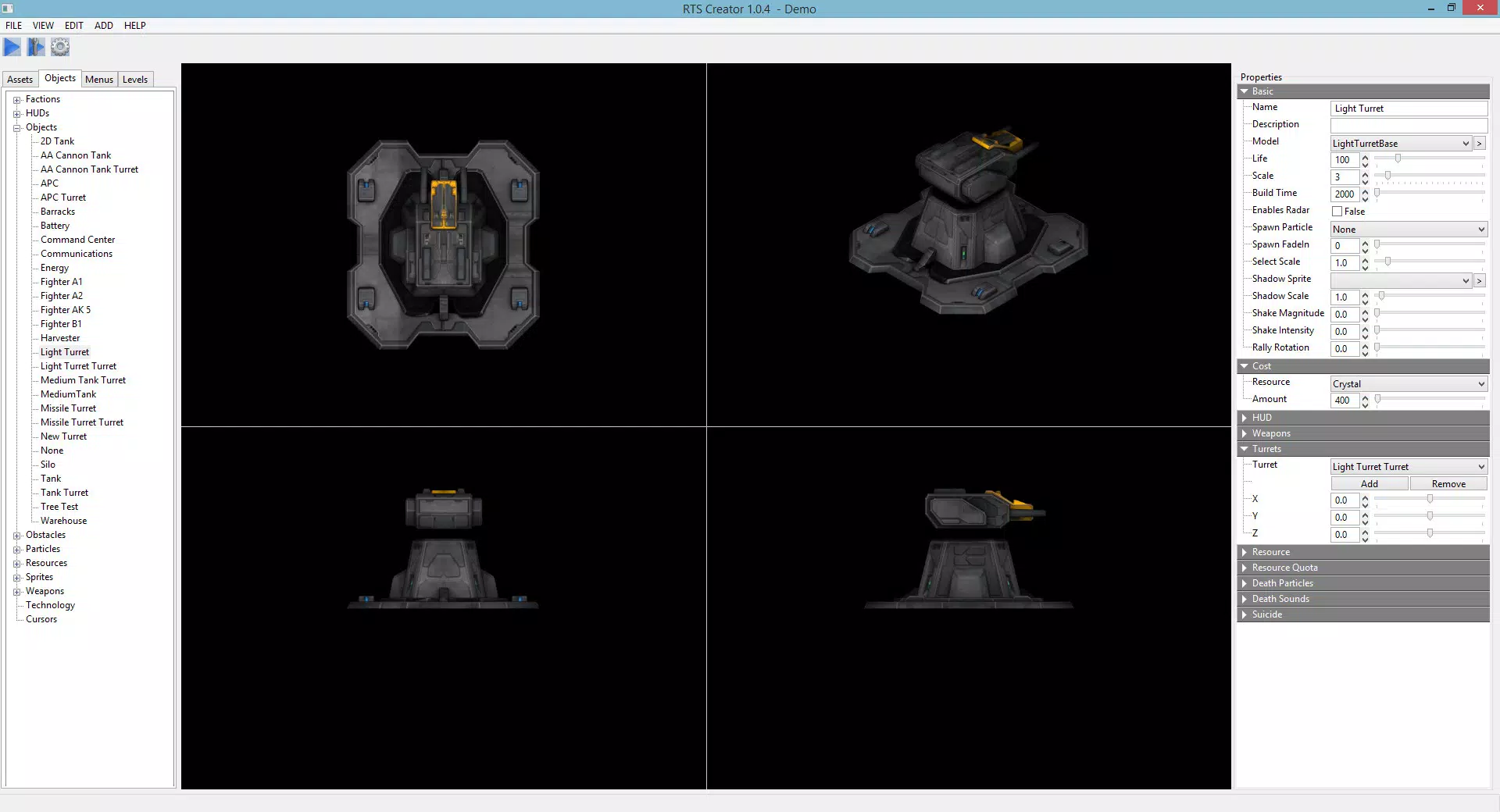
- Feature-Rich Game Development: Built-in tools include AI behavior systems, customizable HUDs, unit and structure creation, and technology trees. These components allow for the design of complex strategic interactions and dynamic gameplay progression.
For example, a user could design a tower defense map where enemies follow scripted paths, deploy AI-controlled turrets, and trigger special events when certain thresholds are met. Another developer might build a classic RTS campaign with branching storylines and resource-based upgrades, using the tool’s technology tree system to define progression paths.
Interface, UX & Performance
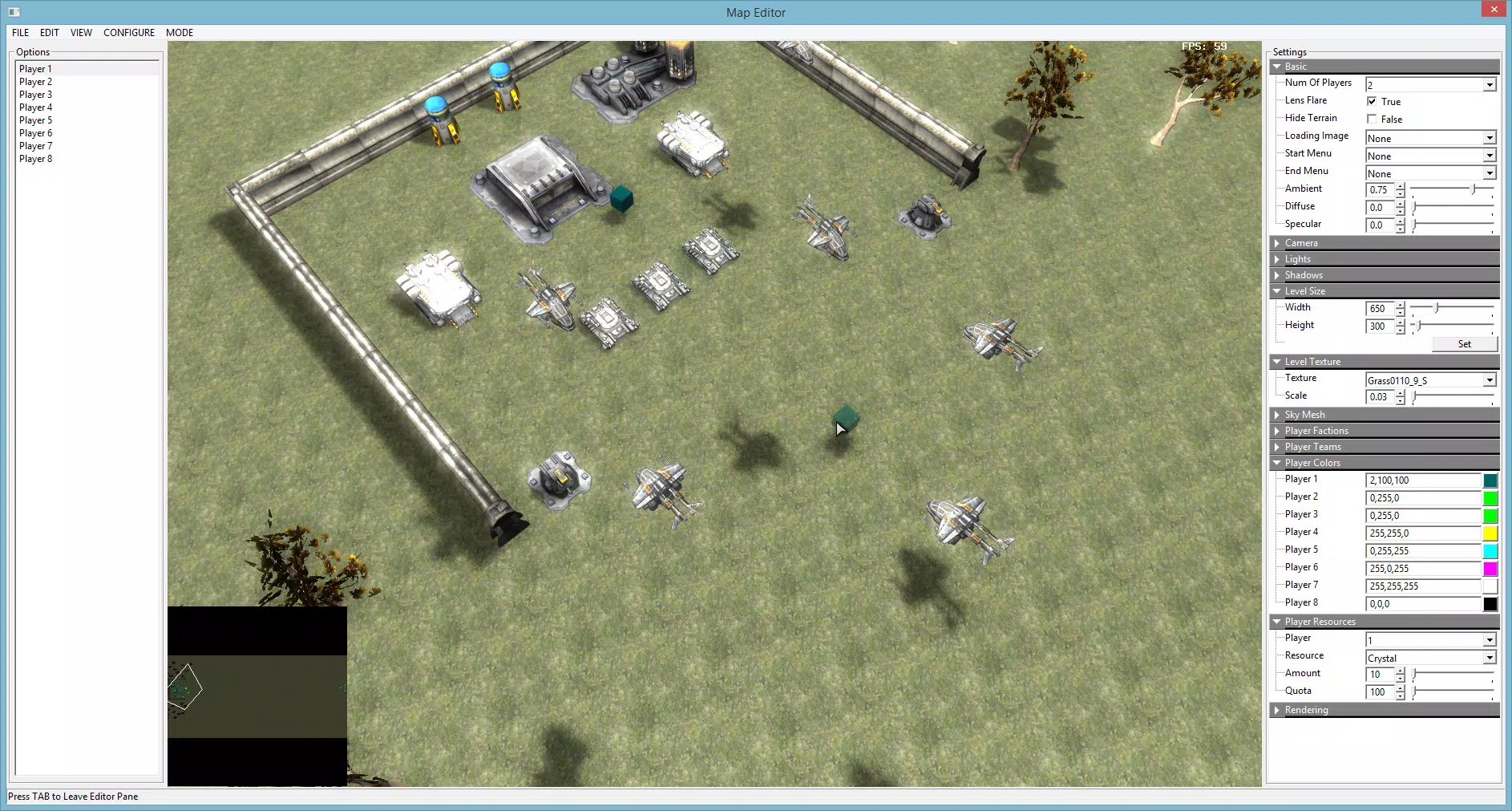
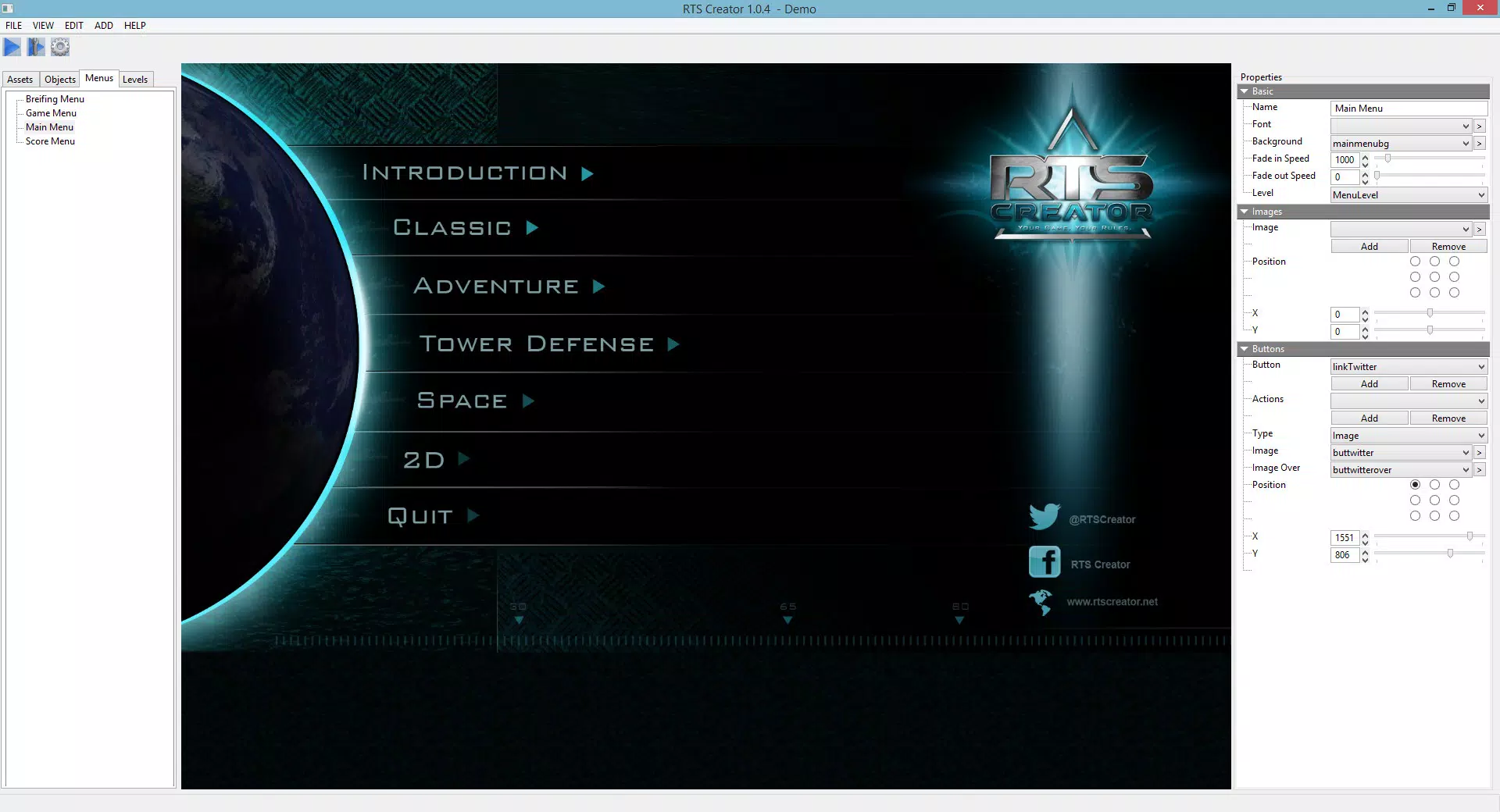
The user interface of RTS Creator is structured around a central workspace with clearly labeled panels for asset management, level design, and game logic configuration. The visual layout prioritizes accessibility, with drag-and-drop functionality and context-sensitive menus that reduce the learning curve for new users. Navigation is linear and predictable, allowing users to move between design phases without confusion.
Although the developer did not list formal performance metrics, the application’s design suggests it operates efficiently on standard Windows systems. However, given its release date in 2014, users may encounter stability issues on newer operating systems, particularly those with updated security protocols or different graphics drivers. The software may require compatibility mode or administrator privileges to function properly on modern Windows versions.
Responsiveness appears to be consistent within the application’s workflow, with minimal lag during asset loading and scene editing. However, no information was provided about crash frequency, memory usage, or long-term stability. Users should expect potential bugs, especially during complex project saves or exports. The lack of recent updates raises concerns about ongoing support and security patching.
Platform Compatibility & Technical Requirements
RTS Creator is designed exclusively for the Windows operating system. The current version, 1.0.0, has a file size of 158.6 MB. The developer did not specify minimum OS requirements, hardware specifications, or compatibility with specific Windows versions beyond the platform name.
Given its release date in December 2014, the software may not be fully compatible with newer Windows versions such as Windows 11 or future updates. Users are advised to test the application on their system before purchasing. The lack of detailed technical information limits the ability to assess performance on low-end or high-end devices.
Compatibility information was not fully disclosed, and no official support for macOS, Linux, or mobile platforms was mentioned. As such, the tool remains restricted to Windows-based workflows, which may limit its accessibility for users on alternative operating systems.
Pros and Cons
- Accessible interface for non-programmers
- Supports multiple RTS game genres
- Enables standalone game publishing
- Wide range of supported asset formats
- Includes advanced game mechanics like AI and tech trees
- Released in 2014, suggesting outdated infrastructure
- No recent updates or official support
- Potential compatibility issues on modern Windows systems
- Developer did not provide performance or stability data
- Limited platform availability (Windows only)
FAQ
Is RTS Creator safe to download and install?
Yes, the application is distributed through official channels. However, due to its age and lack of recent updates, users should scan the file with antivirus software before installation.
Can I use RTS Creator on Windows 11?
While the software is designed for Windows, compatibility with Windows 11 is not guaranteed. Users may need to run the application in compatibility mode or use administrator privileges.
Does RTS Creator require an internet connection?
No, the tool does not require an active internet connection to function. All development and publishing processes occur locally on the user’s device.
Is there a free version or trial available?
The software is available for purchase at $19.99. No free trial or demo version was provided in the available information.
Can I update RTS Creator after purchase?
There is no information available about future updates or update availability. The current version is 1.0.0, and no newer releases have been documented.
Final Thoughts
RTS Creator offers a unique entry point for individuals interested in creating Real-Time Strategy games without coding. Its combination of genre flexibility, standalone publishing, and accessible design makes it a compelling option for hobbyists and educators. However, its age and lack of modern support present notable risks, particularly for users on updated systems.
While the tool remains functional for basic game creation, potential users should weigh its benefits against the challenges of outdated technology and limited technical support. For those seeking a no-code solution to build and share RTS games on Windows, RTS Creator delivers on its core promise—but with caution.
Download RTS Creator now


